Password
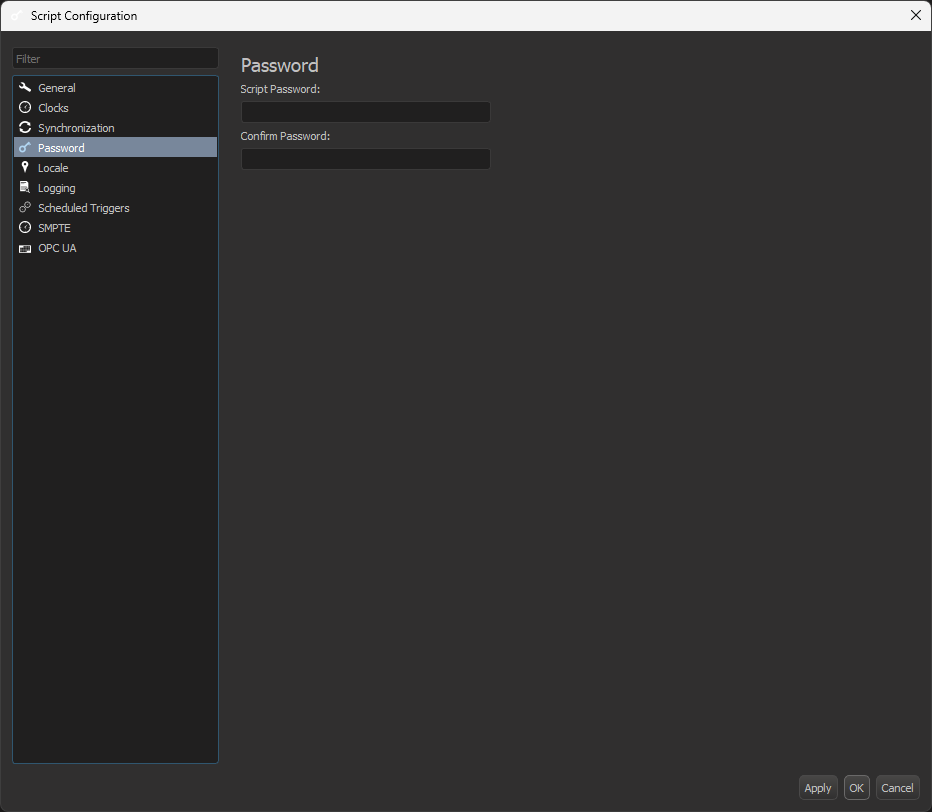
The Password tab allows you to configure a script password, as shown in Figure 1. Setting a script password causes WinScript Live to prompt for the password before opening the script.
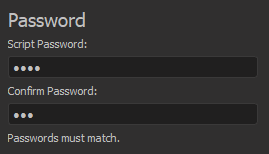
When creating a password, WinScript Live will check to make sure the passwords match, as shown in Figure 2.
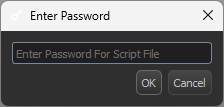
When opening a password-protected script, you will be prompted as shown in Figure 3.
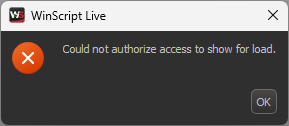
There is no limit to the number of password attempts to open the script, but if you press the Escape key, you will be presented with an error dialog, as shown in Figure 4.
Lastly, if you have a password-protected script and you can't seem to remember it, please reach out to us at [email protected] and we can reset the script password for you.