Logging
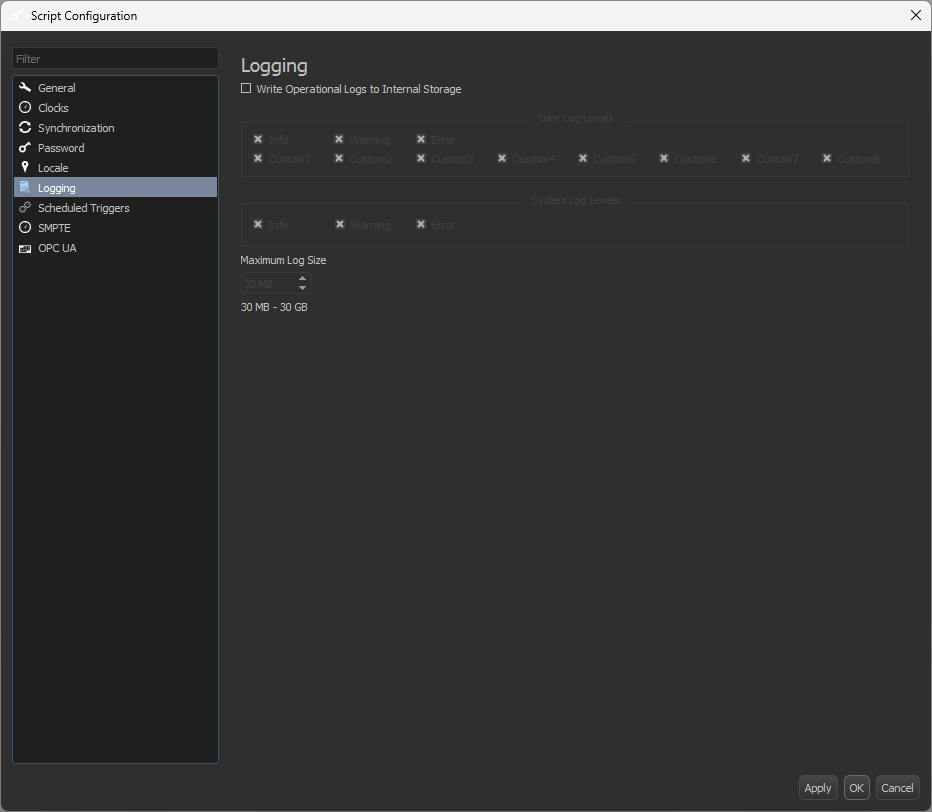
The Logging tab allows you to configure Operational Logs and set the maximum size that the logs will take up on internal device storage, as shown in Figure 1.
When Write Operational Logs to Internal Storage is selected, options for filtering which type of logs are stored are then displayed, as shown in Figure 2.
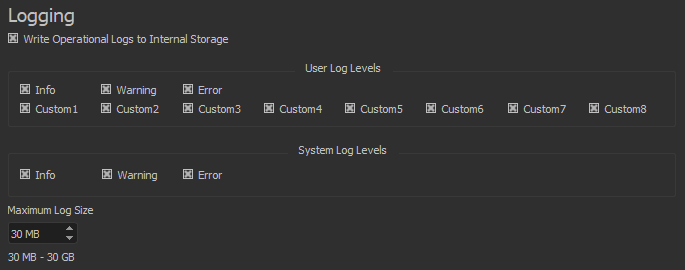
The User Log Levels refer to the different levels of severity defined using the Log Message event. The System Log Levels are built into WinScript Live.
You can find more information on Operational Logs in the Debugging section of this guide.